
What each metric measures
Core Web Vitals are three measurements Google uses to describe how a page feels to a real visitor: how quickly the main content appears, how quickly the page responds when you interact with it, and how stable the layout is while it loads. They are one of several signals in search, and they matter to users regardless of search because slow, jumpy pages cost trust and conversions.
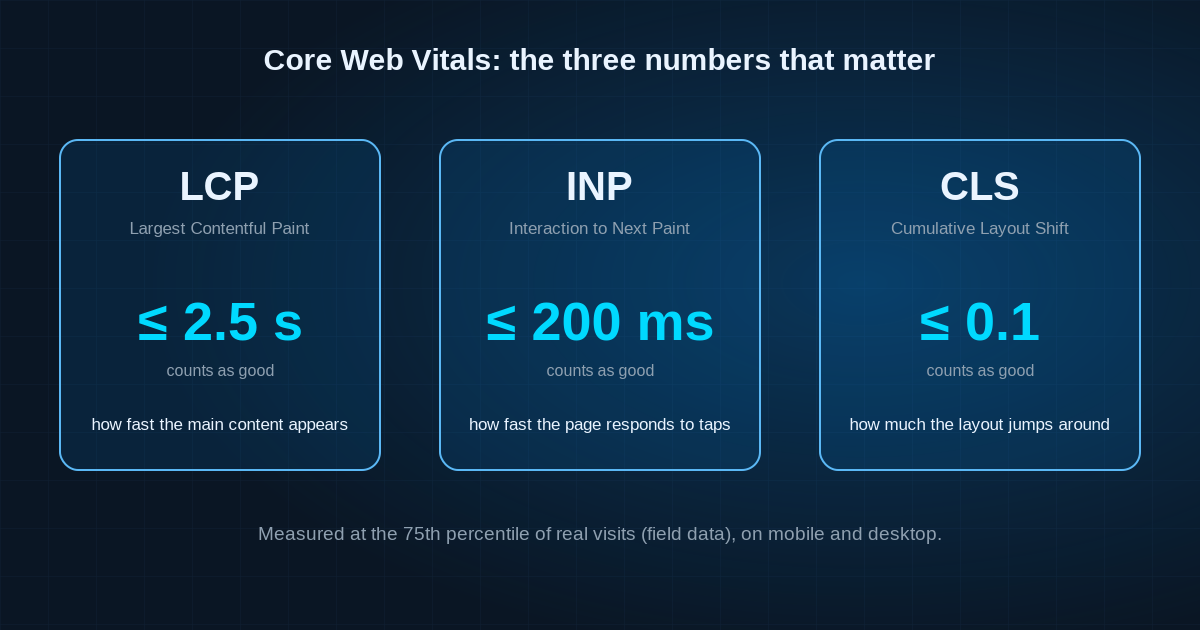
- Largest Contentful Paint (LCP): how long the biggest visible element, usually a hero image or headline, takes to appear. Good is 2.5 seconds or less.
- Interaction to Next Paint (INP): how quickly the page visibly responds after a tap, click or key press. Good is 200 milliseconds or less. INP replaced First Input Delay as a Core Web Vital in 2024.
- Cumulative Layout Shift (CLS): how much content jumps around as the page loads. Good is 0.1 or less.
Measure with real-user data first
There are two kinds of data and they answer different questions. Field data comes from real visitors on real devices and networks, and it is what Google uses to assess your site. Lab data comes from a controlled test, such as Lighthouse, and is excellent for diagnosing problems and checking a fix before it ships.
Start with field data. PageSpeed Insights shows it for your page when enough visits exist, and Google Search Console groups your URLs into good, needs improvement and poor. Then use lab tools to find out why a page is slow. Always check mobile, because that is where most sites struggle.
Images, fonts and third-party scripts
On most business sites, a few things account for most of the problem. Fixing them in this order usually gives the biggest improvement for the least effort.
- Hero image: serve it at the size it is displayed, in a modern format such as WebP or AVIF, and do not lazy-load the image that is the LCP element. Lazy-load the ones below the fold.
- Fonts: limit the number of families and weights, host them yourself, and use a font-display setting so text is visible while fonts load.
- Third-party scripts: chat widgets, trackers, tag managers and embeds are a frequent cause of slow responses. Remove what you do not use, and load the rest after the page is interactive.
- Heavy JavaScript: large bundles delay interactivity and hurt INP. Ship less code to the page, and break up long tasks.
Layout shift and animations
Layout shift is usually caused by content that arrives without reserved space. Give every image and video explicit width and height (or an aspect ratio), reserve room for ads, banners and embeds, and avoid inserting content above what the visitor is already reading. For animation, prefer changes to transform and opacity, which do not move surrounding content, over animating size or position properties.
What to ignore
Do not chase a perfect 100 in a lab test. A lab score is a diagnostic, not the goal, and it can swing with small changes. Aim for your field numbers to pass at the 75th percentile on mobile, fix the biggest offenders first, and stop when the returns diminish. If your platform fights you at every step, that is a signal to look at the foundations, which is where our performance optimisation and web platform engineering work comes in.
Frequently asked questions.
- Do Core Web Vitals affect Google rankings?
- They are a ranking signal as part of page experience, but relevance and content quality matter far more. Treat them as a tiebreaker and, more importantly, as a way to improve real user experience and conversion.
- What is a good LCP, INP and CLS?
- Good values are an LCP of 2.5 seconds or less, an INP of 200 milliseconds or less, and a CLS of 0.1 or less, measured at the 75th percentile of real visits.
- Why is my Lighthouse score good but Search Console says my pages are slow?
- Lighthouse is a lab test on one simulated device. Search Console reports field data from real visitors, who have slower devices and networks. Trust the field data for assessment and use Lighthouse to diagnose.